

Appearance
Signing in and out
Sign in to Statelake Cloud with your email address, then your password. Accounts are created by Flow; if you do not have one, ask your Flow account contact.
Signing in
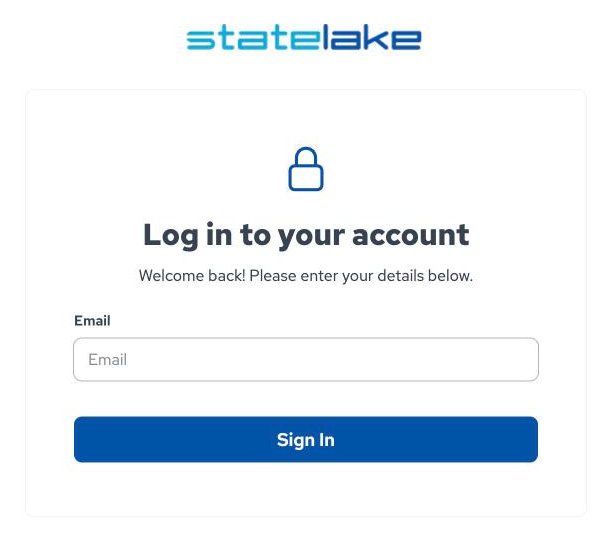
Go to your Statelake Cloud address. If you are not signed in you are taken to Log in to your account.
Enter your Email and select Sign In.
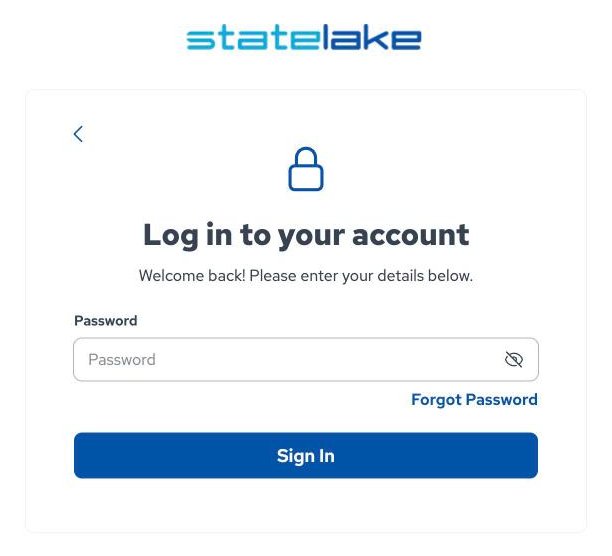
Enter your Password and select Sign In. The eye icon shows or hides what you type; the back arrow returns to the email step.
You return to the page you were trying to open.
| Message | What to do |
|---|---|
| Invalid email or password. Please try again. | Check both and try again, or use Forgot Password. |
| Too many failed attempts. Please try again later. | Wait a while before trying again. |
| This account is not active. Please contact support. | Contact Flow support. |
Forgotten password
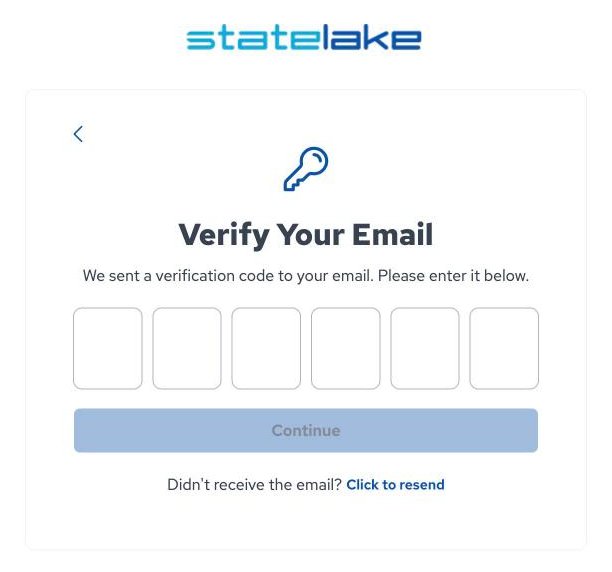
On the password step, select Forgot Password. A six-digit code is sent to your email address.
On Verify Your Email, enter the code and select Continue. If it has not arrived, select Click to resend.
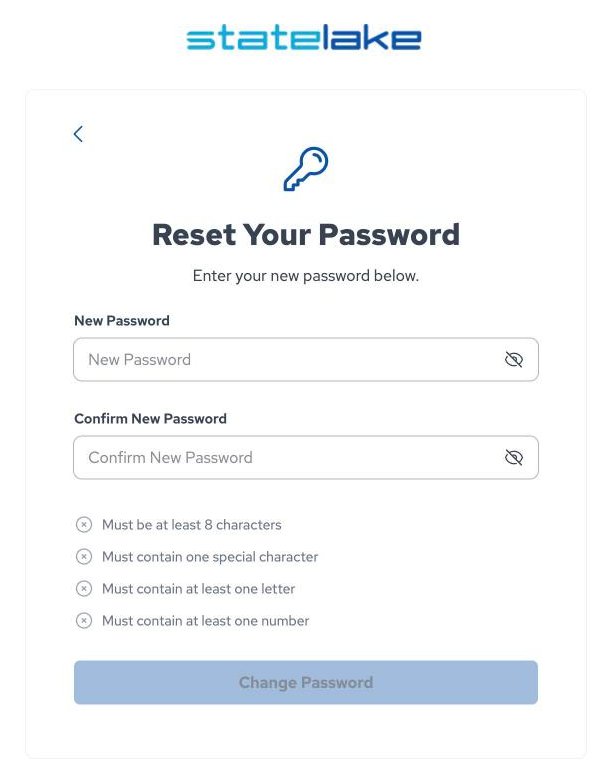
On Reset Your Password, enter and confirm a new password that meets the password rules, then select Change Password.
You are signed in with the new password.
If the code is wrong or too old you see "Invalid or expired verification code"; go back and request a new one. You cannot reuse a recent password.
Expired password
If your password has expired, after you sign in you see Change Your Password. Set a new password that meets the password rules to continue.
Password rules
A password must:
- be at least 8 characters
- contain at least one special character:
! @ # $ % ^ & * - contain at least one letter
- contain at least one number
The screen ticks off each rule as you type, and the button stays disabled until all of them pass and both entries match.
Signing out
Select your name at the bottom of the sidebar, then Logout. If your session expires you are taken back to the sign-in page.