

Appearance
Your account
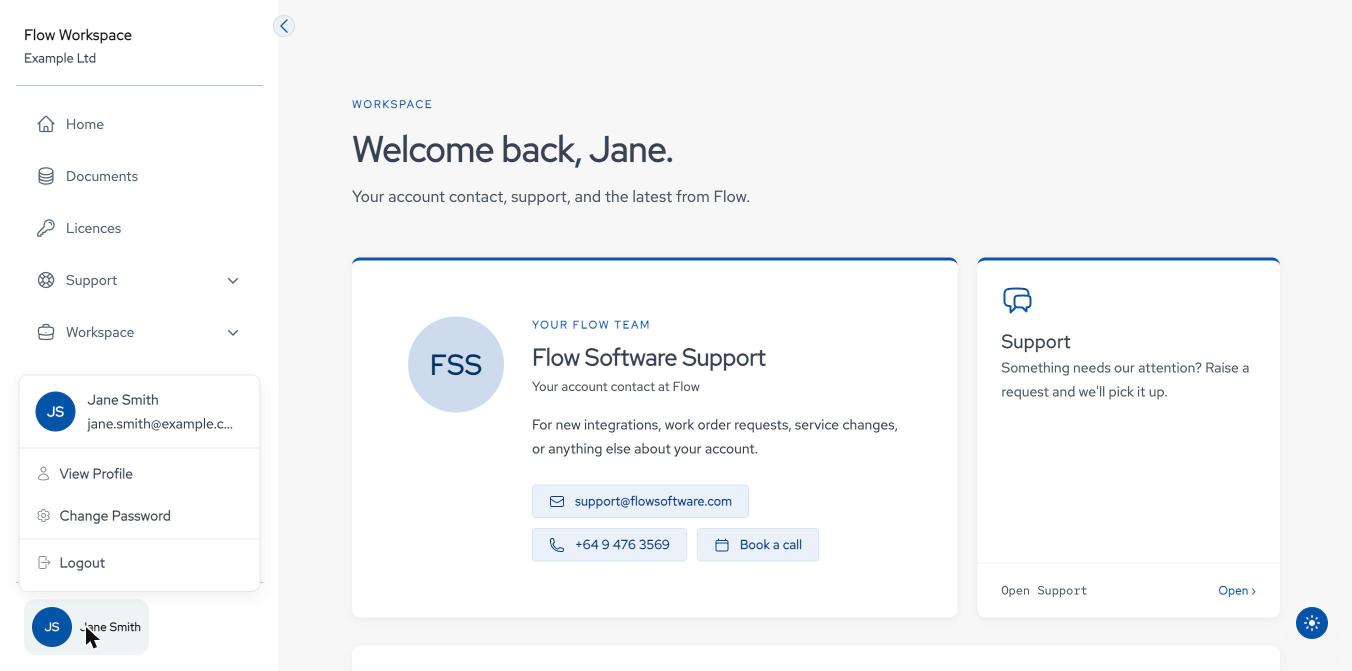
Your name at the bottom of the sidebar opens the user menu: View Profile, Change Password and Logout.
Profile
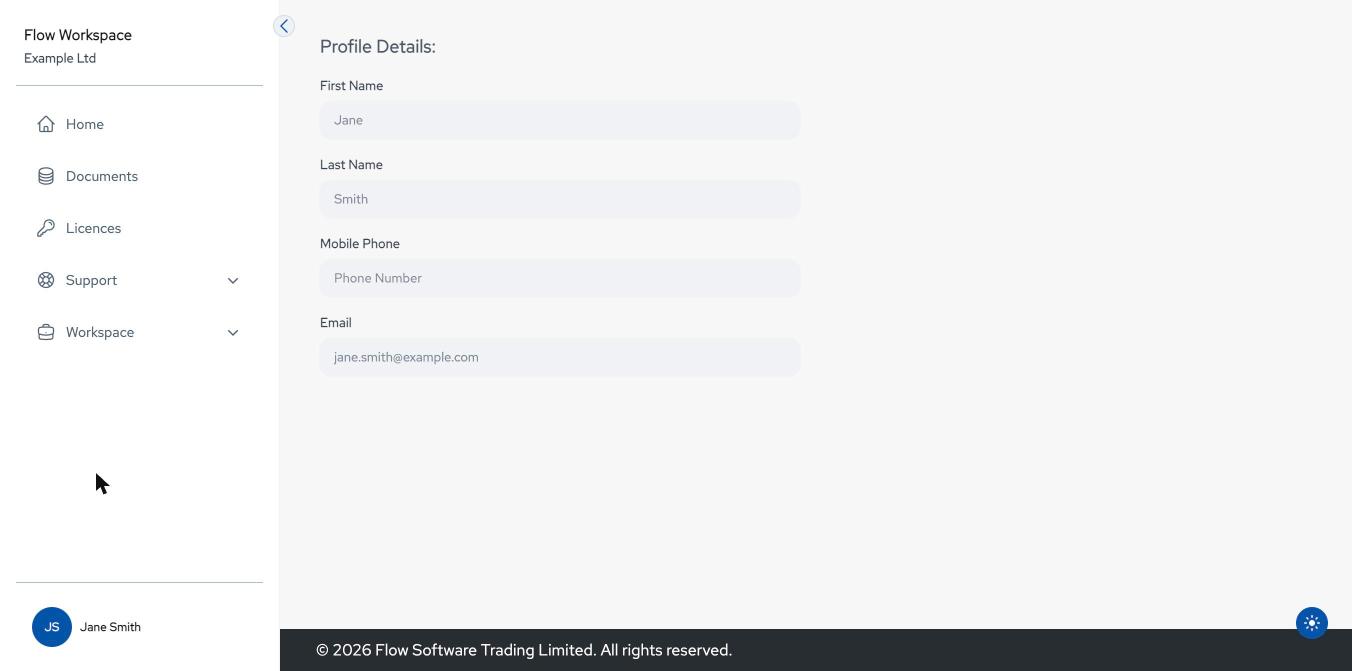
View Profile shows your First Name, Last Name, Mobile Phone and Email. These are read-only; to change them, contact Flow support.
Changing your password
- Open the user menu and select Change Password.
- Enter your Old Password, then the new password in Password and Confirm Password.
- Select Update password once every rule is ticked.
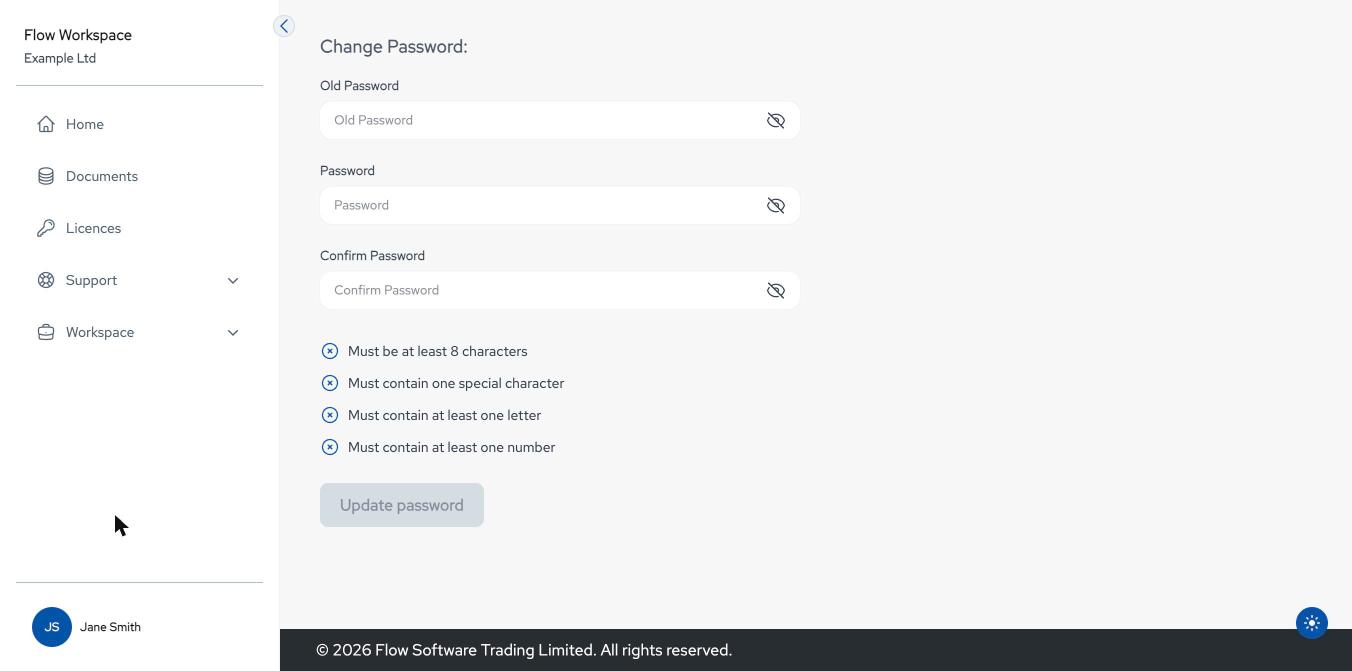
The new password must follow the password rules, and the two entries must match. A green banner confirms the change; a red banner explains what went wrong (for example, a recently used password).